「failed with exit code 72: xcrun: error: unable to find utility “xcodebuild”, not a developer tool or in PATH」の対処方法

Swift

年末は仕事が忙しく、久しぶりの更新になってしまいました。

今回はXcodeでアプリをビルドするときに「failed with exit code 72: xcrun: error: unable to find utility “xcodebuild”, not a developer tool or in PATH」というエラーが発生した時の対処方法を説明します。

発生する環境

carthageを導入しており、かつ複数のバージョンのXcodeを使用していると発生します。

解決方法

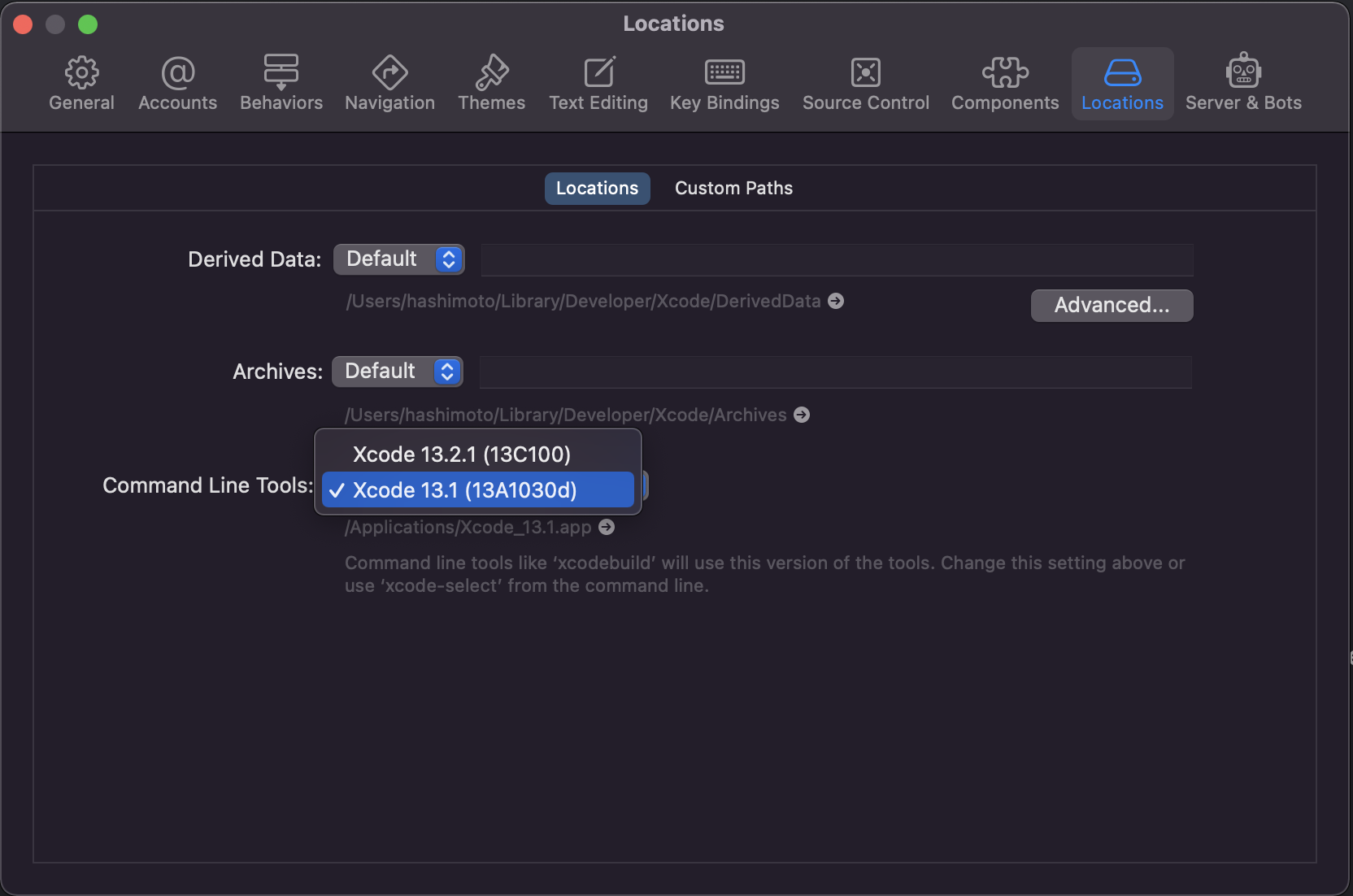
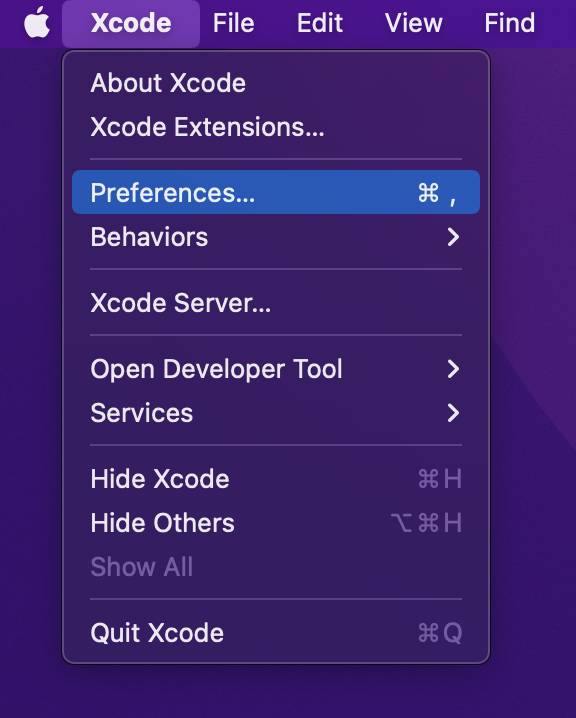
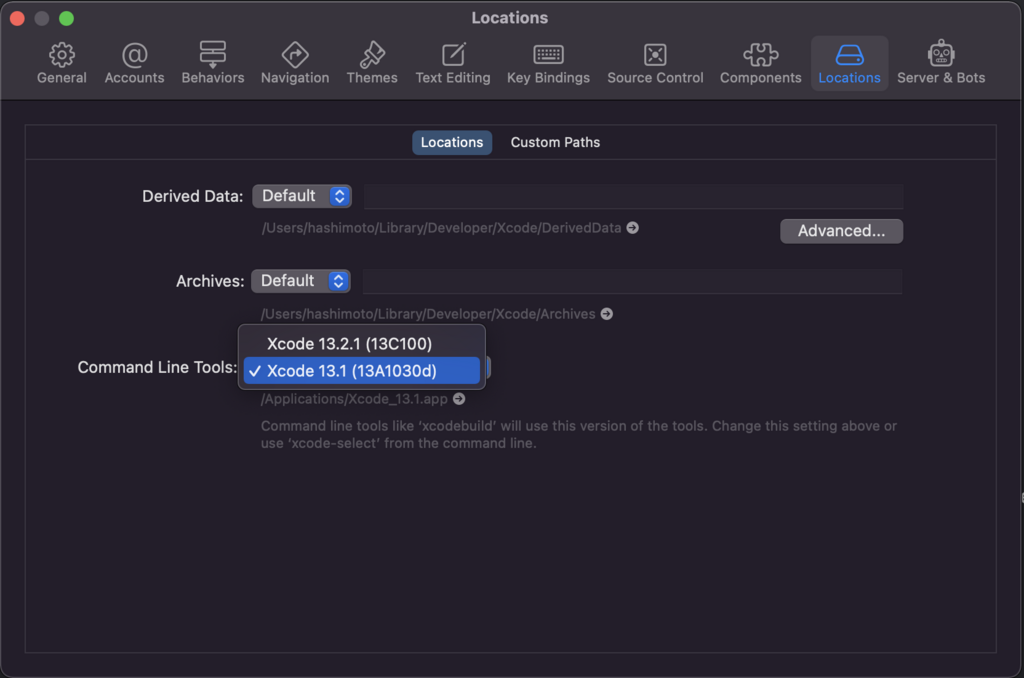
XcodeのPreferencesを開きLocationsを選択、「Command Line Tools:」からプロジェクトのビルドに使用するXcodeのバージョンを選択し、carthageの更新を行なってみてください。これで解決すると思います。
誰かの参考になれば。

コメント

This website stores cookies on your computer. These cookies are used to provide a more personalized experience and to track your whereabouts around our website in compliance with the European General Data Protection Regulation. If you decide to to opt-out of any future tracking, a cookie will be setup in your browser to remember this choice for one year.

Accept or Deny

タイトルとURLをコピーしました